Free tool · LinkedIn post preview
LinkedIn post preview with the see more fold
Write a LinkedIn post, add an image or video, and see it the way it sits in the feed: the first lines above "…see more", the media under the text, and LinkedIn's limits checked (3,000 characters, up to 20 images, video length and size). Download it as a PNG for review.
Free · No sign-up · Runs entirely in your browser
Photos or video
Drop files here or
They stay on this device; nothing is uploaded.
Preview · not a published post · heyorbit.tech
LinkedIn checks
Add a caption and a photo or video to check them.
Private by design: what you type or upload stays in your browser, and this tool sets no cookies. Cookie policy
Schedule it in HeyOrbitAt a glance
- Post limit
- 3,000characters
- Above …see more
- ~210characters
- Images in one post
- 20
- Video from a profile / a Page
- 10 / 30min
- When published through HeyOrbit
How to use the LinkedIn post preview
Write the post
Paste your draft; the preview folds it to …see more like the feed.
Add an image or video
From your device. Size, format and length are checked against LinkedIn's limits.
Review and download
Tighten the opening until the point sits above the fold, then download a PNG.
Tips
- Read only what's above …see more: if that doesn't make the point, rewrite the opening.
- Line breaks near the top bring the fold forward.
- One strong image beats several weak ones: the first one is what people see.
- LinkedIn has no bold; if you use Unicode bold for a heading, keep it to a few words.
LinkedIn post preview: common questions
How much of a LinkedIn post shows before …see more?
How many images can a LinkedIn post have?
How long can a LinkedIn video be?
Can I get the preview approved before posting?
Background
What the LinkedIn feed shows
Your name and headline, then the first lines of the post, then …see more, then the image or video. Most readers decide from those first lines, so the preview makes the fold impossible to miss.
The limits are the ones HeyOrbit enforces when it publishes to LinkedIn: 3,000 characters of text, up to 20 images or one video, and the video's format, size and length.
Related free tools
- LinkedIn post counter3,000 characters and the …see more fold.
- Text formatterBold, italic, bullets and line breaks that paste anywhere.
- LinkedIn banner resizerProfile backgrounds, Page covers, logos and Life tab images.
- Post previewSee a post as it will look on each platform, then download it.
- Hashtag counterCount hashtags and check them against each platform's rules.
- Image resizerCrop and resize to each platform's official size.
Guides
Continue in HeyOrbit
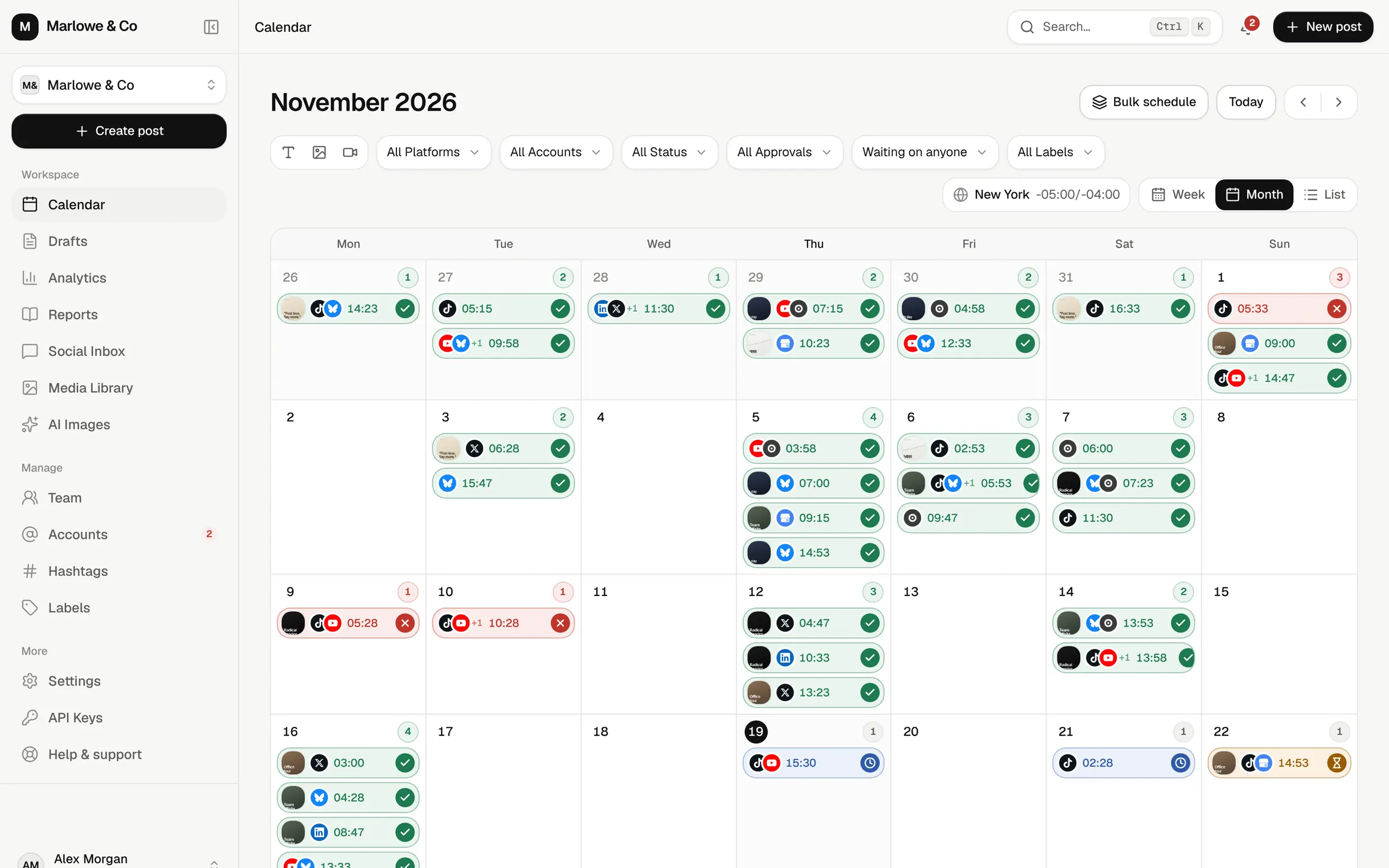
Do this for every post, without the tabs.
HeyOrbit checks every platform's limit before you schedule, keeps your hashtag sets and media in one place, and publishes to 10 platforms on time. Start free, pay per account.
Prefer to talk first? Book a call with our team
- Unlimited team members
- 10 platforms
- Start free, pay per account