Free templates
Free social media templates, ready to use
Spreadsheets and printable planners for the work every social team repeats: plan the month, brief the content, get it approved, report on it and handle what comes back.
No sign-up, no email Excel, Google Sheets and CSV Print or save as PDF
Plan
Calendars, campaigns and strategy on a page.
- Social media content calendarPlan every post by date, platform, format and pillar, with a month view.XLSXCSVICSPDF
- Social media campaign planPlan a launch from teaser to wrap-up, with dates that follow your launch day.XLSXCSVPDF
- Social media strategyA one-page strategy: goals, audience, platforms and their roles, content pillars and KPI targets.XLSXCSVICSPDF
Create and approve
Briefs, checklists and sign-off.
- Social media content briefBrief a writer, designer or creator on one page, with a deliverables list.XLSXCSVPDF
- Social media approval workflowWho signs off on what and by when, a pre-approval checklist and an approval log.XLSXCSVICSPDF
- Social media posting checklistCheck every post before it goes out, with each platform's limits in one table.XLSXCSVPDF
- Influencer briefBrief creators clearly: goal, message, deliverables, disclosure, usage rights and payment.XLSXCSVPDF
Measure and report
Monthly reports and KPI tracking.
Research
Audits, competitors and hashtags.
- Social media auditReview every account's access, profile and performance, then plan the fixes.XLSXCSVICSPDF
- Social media competitor analysisCompare competitors' posting, engagement and content using public numbers only.XLSXCSVPDF
- Hashtag researchResearch, test and keep the hashtags that work, within each platform's rules.XLSXCSVPDF
Brand
Voice and guidelines everyone can follow.
Community and risk
Replies, escalations and crises.
Templates: common questions
Are the templates really free?
Yes. Download them straight from each page with no sign-up and no email. Use them for your own work or your team's, and share them.
Which apps do they work in?
The .xlsx files open in Microsoft Excel, Google Sheets (upload to Drive, then open with Sheets) and LibreOffice, with their dropdowns, filters and formulas. The CSV files open anywhere, and every template has a print version you can save as a PDF.
Why are there example rows?
So you can see how each template is meant to be filled in. They describe a made-up brand; overwrite or delete them.
Can HeyOrbit do this work for me?
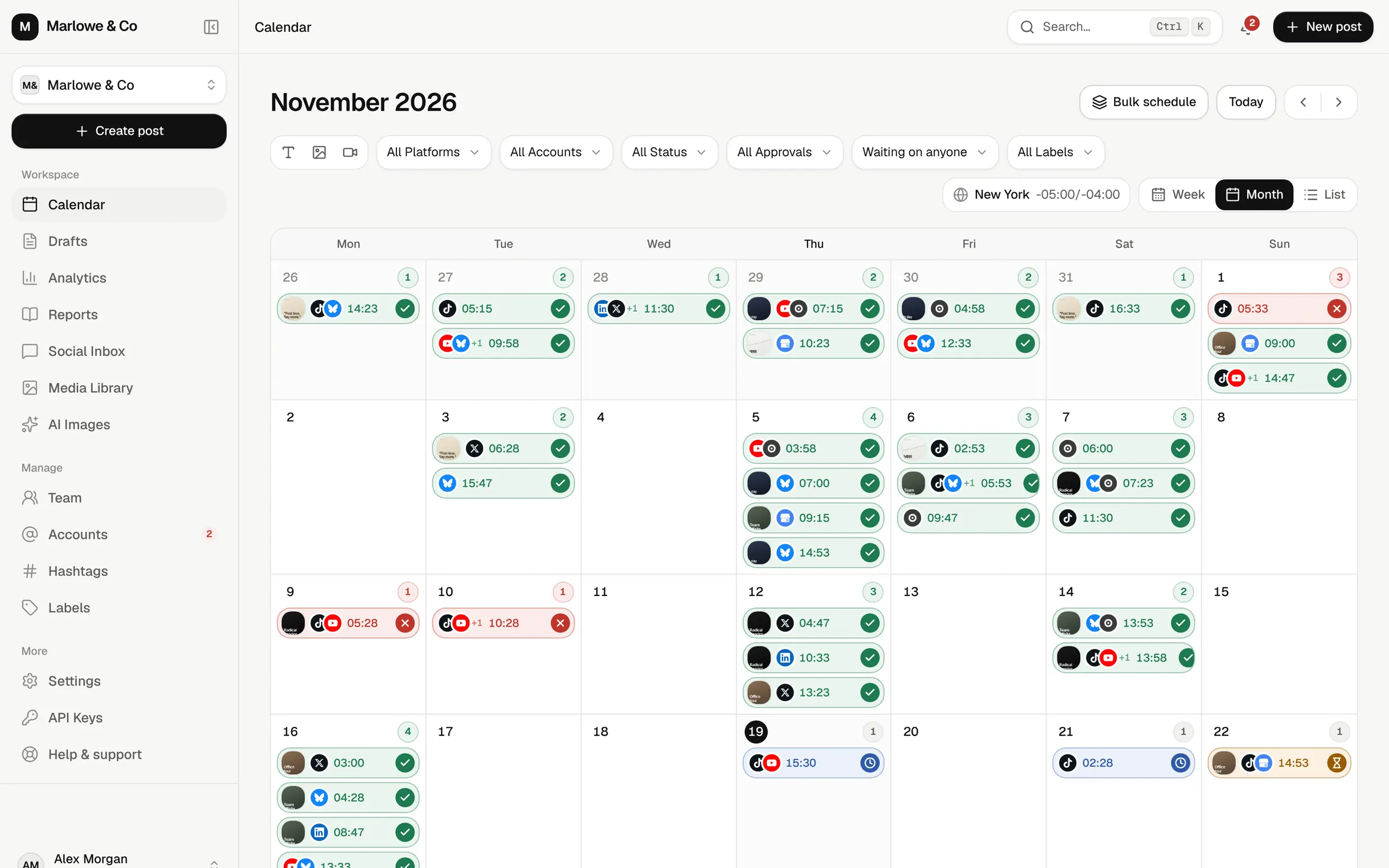
Much of it. HeyOrbit runs the content calendar, approvals, publishing, the social inbox, analytics and branded reports across 10 platforms. The templates work on their own, with or without it.
HeyOrbit
Templates get you started. HeyOrbit keeps it running.
Plan on a shared calendar, collect sign-off, publish to 10 platforms on time and send branded reports, without copying anything between spreadsheets. Start free, pay per account.
Prefer to talk first? Book a call with our team
- Unlimited team members
- 10 platforms
- Start free, pay per account