Free tool · Character counter
Character counter for every social platform
Paste a caption and see, as you type, whether it fits Instagram, X, LinkedIn, TikTok, YouTube, Threads, Pinterest, Bluesky, Facebook and Google Business Profile, counted the way each platform counts it, and exactly where it would be cut.
Free · No sign-up · Runs entirely in your browser
- Characters
- 0
- Words
- 0
- Lines
- 0
- Hashtags
- 0
- Links
- 0
- Emoji
- 0
Fits X
Start typing to see how your text fits.
Platform limits
10 platforms
X: links count 23 and emoji 2. Bluesky counts characters as you see them; Threads counts an emoji by its bytes (4 or more). YouTube descriptions are measured in bytes. Other platforms use a strict count where many emoji take 2.
Private by design: what you type or upload stays in your browser, and this tool sets no cookies. Cookie policy
Schedule it in HeyOrbitCounters for one platform, with its fold and rules
Use this data
Social media character limits, as open JSON
The same data this page and HeyOrbit itself use, generated from our code on every release. Use it in an article, a spreadsheet or your own app under CC BY 4.0: free to share and adapt, with credit to HeyOrbit.
https://heyorbitapp.vercel.app/data/social-media-character-limits.jsonCredit line to paste
Social media character limits: <a href="https://heyorbitapp.vercel.app/tools/character-counter">HeyOrbit</a>, licensed under <a href="https://creativecommons.org/licenses/by/4.0/">CC BY 4.0</a>
How to use the character counter
Paste or type your caption
Everything stays in your browser. Nothing is sent or saved.
Read the platform list
Each platform shows characters used, what's left and whether it fits.
Fix what's over
Pick a platform to see the cut point marked in your text, then trim and copy.
Tips
- Front-load the point. Most feeds show only the first line or two before a "more" link, whatever the limit.
- Move long hashtag lists or links to the first comment on platforms that support it.
- On X, Threads and Bluesky, split long text into a thread instead of cutting it.
- Instagram also caps captions at 30 hashtags, separate from the character limit.
Character counter: common questions
How does X count characters?
Do emoji count as one character?
What are the character limits?
Is my text stored anywhere?
Does HeyOrbit check this when I schedule?
Background
Why one number isn't enough
Platforms don't agree on what a character is. X counts every link as 23 characters however long the URL is, and counts emoji and Chinese, Japanese or Korean characters as 2. Bluesky counts characters the way you see them, so a family emoji built from five code points is still one. Threads counts an emoji by its size in bytes (4 or more). YouTube measures descriptions in bytes. Most other platforms count the underlying text units, where many emoji take 2.
This counter applies each platform's rule separately, using the same limits table HeyOrbit's composer enforces, so a caption that fits Bluesky but not X shows exactly that, along with how far over it is.
Where your text gets cut
Choose a platform that's over its limit and the counter marks the exact point where it would stop accepting the text. Everything after the marker is what you need to trim or move to a thread or a first comment.
Related free tools
- Hashtag counterCount hashtags and check them against each platform's rules.
- Text formatterBold, italic, bullets and line breaks that paste anywhere.
- Post previewSee a post as it will look on each platform, then download it.
- X (Twitter) character counter280 weighted characters, links 23, plus a thread splitter.
- Instagram caption counter2,200 characters, 30 hashtags, the … more fold.
- Hashtag generatorHashtag ideas from your own words, sized for each platform.
Guides
Continue in HeyOrbit
Do this for every post, without the tabs.
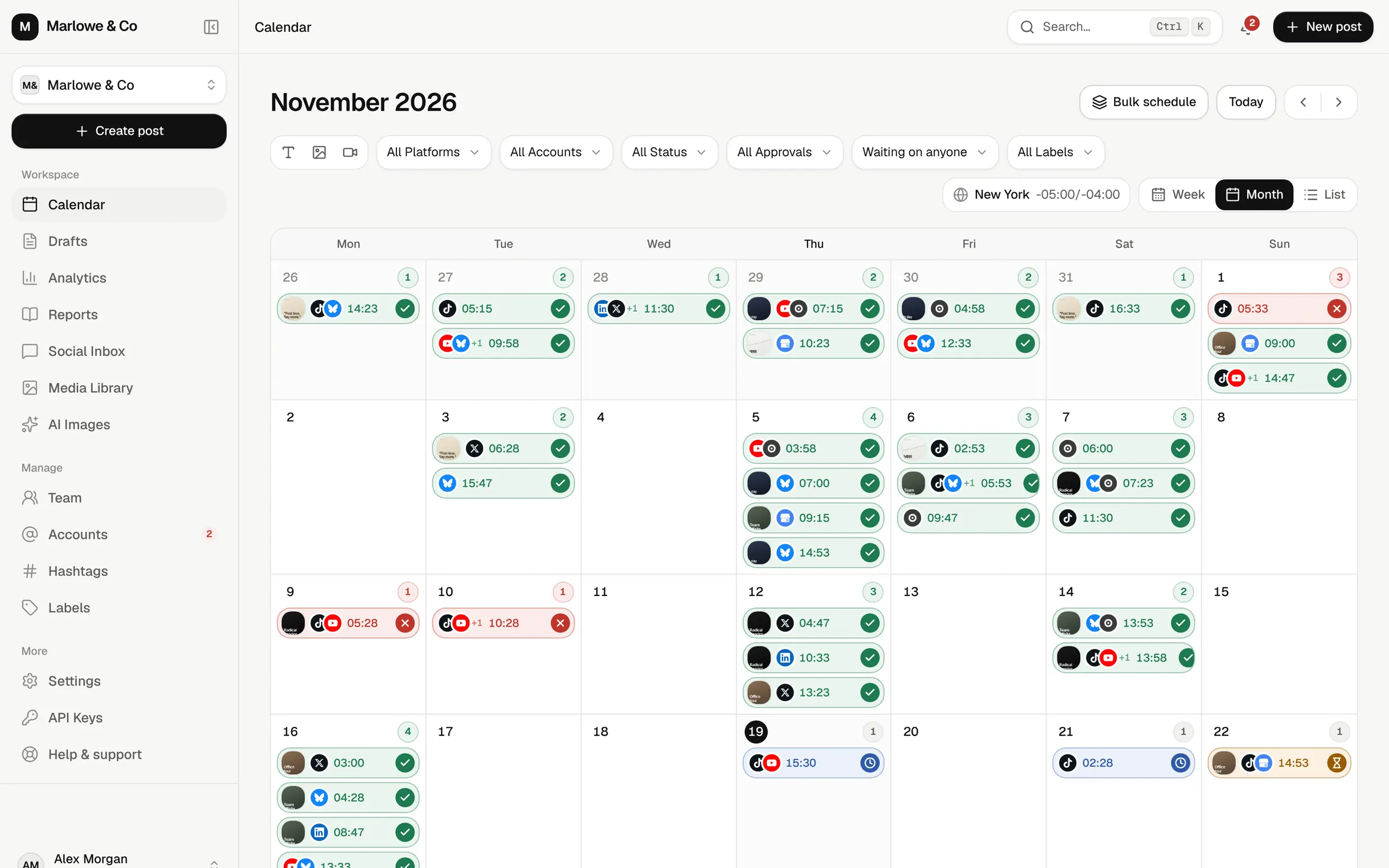
HeyOrbit checks every platform's limit before you schedule, keeps your hashtag sets and media in one place, and publishes to 10 platforms on time. Start free, pay per account.
Prefer to talk first? Book a call with our team
- Unlimited team members
- 10 platforms
- Start free, pay per account