For multi-location brands and franchises
Every location on brand, every location local
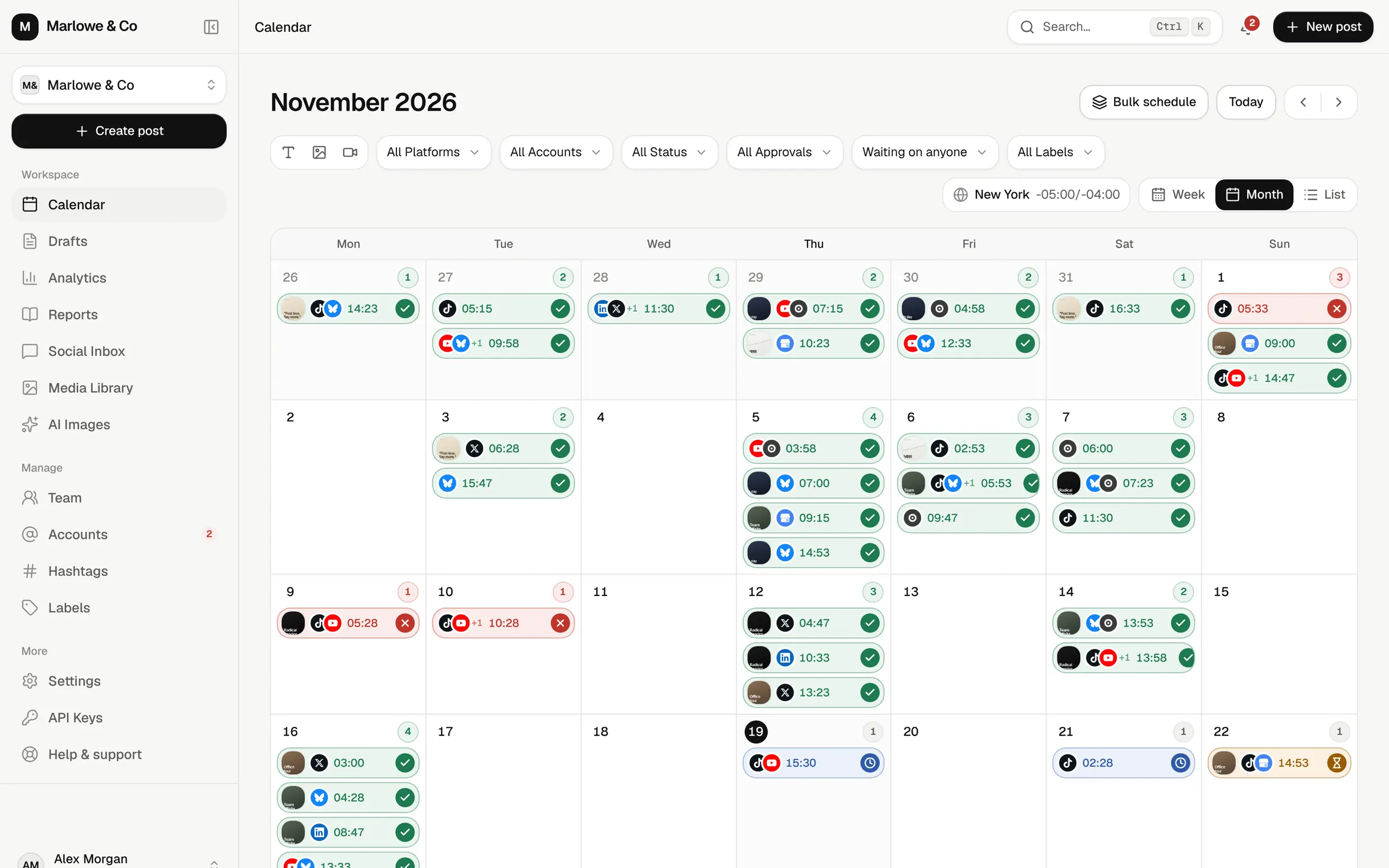
Publish one campaign to all your Google Business locations and Facebook Pages in one go, give each location manager access to their own accounts only, and keep brand sign-off on everything local teams write.
- Google Business
- ₹5,489 / $66 a month for this setup
- Northwind Dental · Downtown Posted today
- Northwind Dental · Riverside Scheduled
- Northwind Dental · Eastgate Scheduled
Central brand, local voices: the jobs in between
Push one campaign to every location
Pick every location's Google Business profile and Facebook Page in the composer, keep one caption or give each location its own address and phone number, and schedule once.
Content CalendarLet local managers post, safely
Restrict each manager to their location's accounts and switch off Can publish, so local news reaches the brand team as an approval request first.
Team CollaborationKeep the brand's yes on everything
Brand marketing approves in the final step. Approved posts lock, so nobody edits a signed-off offer on its way out.
Approval WorkflowsAnswer every location's reviews
Google reviews from all locations land in one inbox. A manager restricted to their location sees only its reviews; the brand team sees every one and can filter the negative ones.
Social InboxPost in each location's local time
Give each region its own workspace and timezone, so a 09:00 post means 09:00 where that region's customers live.
Content CalendarReport per location and overall
Build a report for one location's accounts or all of them, and schedule each manager's monthly report by email; readers don't need a HeyOrbit login.
Reporting
How it works for multi-location brands and franchises
Each step is a part of HeyOrbit you can open and read about.
Choose your structure
One workspace with every location's accounts, or one per region or franchisee. Workspaces are free either way.
Team Collaboration Guide: WorkspacesConnect each location
Every Google Business location and Facebook Page is its own account, connected through Google's and Meta's sign-in.
Content Calendar Guide: Connect social accountsInvite managers with limits
Restrict each manager to their accounts and decide whether their posts need approval.
Team Collaboration Guide: Invite your team and set rolesPublish centrally, approve local news
Brand campaigns go to every location at once; local posts wait for the brand team's step.
Approval Workflows Guide: Approval workflow
The platforms that matter for multi-location brands and franchises
The formats ticked are the ones you'll use most. Every format listed publishes automatically.
Google Business Profile
- What's new (used most)
- Offer (used most)
- Event (used most)
The profile each location is found by. Offers and events reach every location from one post, and analytics show calls, direction requests and website clicks per location.
Google Business schedulingFacebook
- Post (used most)
- Reel (used most)
- Story (used most)
Where a brand runs a Page per location, each Page is one account: it gets the national campaign and its own community news.
Facebook schedulingInstagram
- Feed post (used most)
- Carousel
- Reel (used most)
- Story (used most)
Usually one brand profile, sometimes one per city. A collaborator tag can put a location's post on the brand profile as well.
Instagram scheduling
A week in HeyOrbit
An example week, from the first draft to the last reply.
Monday09:00
Campaign to every location
The brand team schedules the weekend offer to every Google Business location, each with its own redeem link.
Tuesday11:30
Local news, pending
The Riverside manager drafts a post about new opening hours. It waits on the brand step.
Wednesday10:00
Brand approves
The final step approves it from the email; the post locks and goes out at noon Riverside time.
Thursday17:00
Review round-up
Each manager answers their own location's Google reviews; the brand team filters Negative across all of them.
Friday08:00
Open day, three locations
Saturday's open day posts as an Event to three locations' Google profiles, with dates and a Learn more button.
The 1st08:00
Reports out
Each location manager gets their monthly report; head office gets the all-locations version.
What this setup costs
Five locations with Google Business and a Facebook Page each, plus one brand Instagram
- Google Business locations5 × ₹499 / $6
- Facebook Pages5 × ₹499 / $6
- Instagram profile1 × ₹499 / $6
5 Google Business locations + 5 Facebook Pages + Instagram profile = 11 accounts = ₹5,489 / $66 a month
Opening a new location? Add its accounts that month; the extra slots are prorated until your renewal.
11 accounts × ₹499 / $6
₹5,489 / $66
a month, everything included
AI Studio is optional: ₹799 / $9 a month.
- Unlimited team members & reviewers
- Full white label
- Advanced analytics
- Branded reports
- Multi-step approvals
- Social inbox
Free to sign up, no card. Billed monthly per connected account; taxes are added where they apply.
Multi-location brands: common questions
Can one post go to every location?
Can a location manager see other locations?
Should each franchisee have a workspace of their own?
Do location managers need paid logins?
Can we see results per location?
What does HeyOrbit cost for a multi-location business?
The features behind this page
Platforms
Comparing tools
Also worth a look
- AgenciesA workspace per client, two-step sign-off, branded reports and unlimited seats.
- Restaurants & cafésDaily specials before lunch, Google Business offers and events, reviews answered between services.
- Healthcare clinicsClinic updates reviewed by a clinician, locked once approved, Google reviews answered with care.
- Book a callTalk your setup through with the HeyOrbit team.
All solutions by team and by industry.
Every location, one brand voice.
Publish to all your locations at once and keep local news on brand with approvals. Start free, pay per connected account.
Prefer to talk first? Book a call with our team
- Unlimited team members
- 10 platforms
- Start free, pay per account